Why Does Bamini Text Look Like "PUBG-Style" Gaming Names?
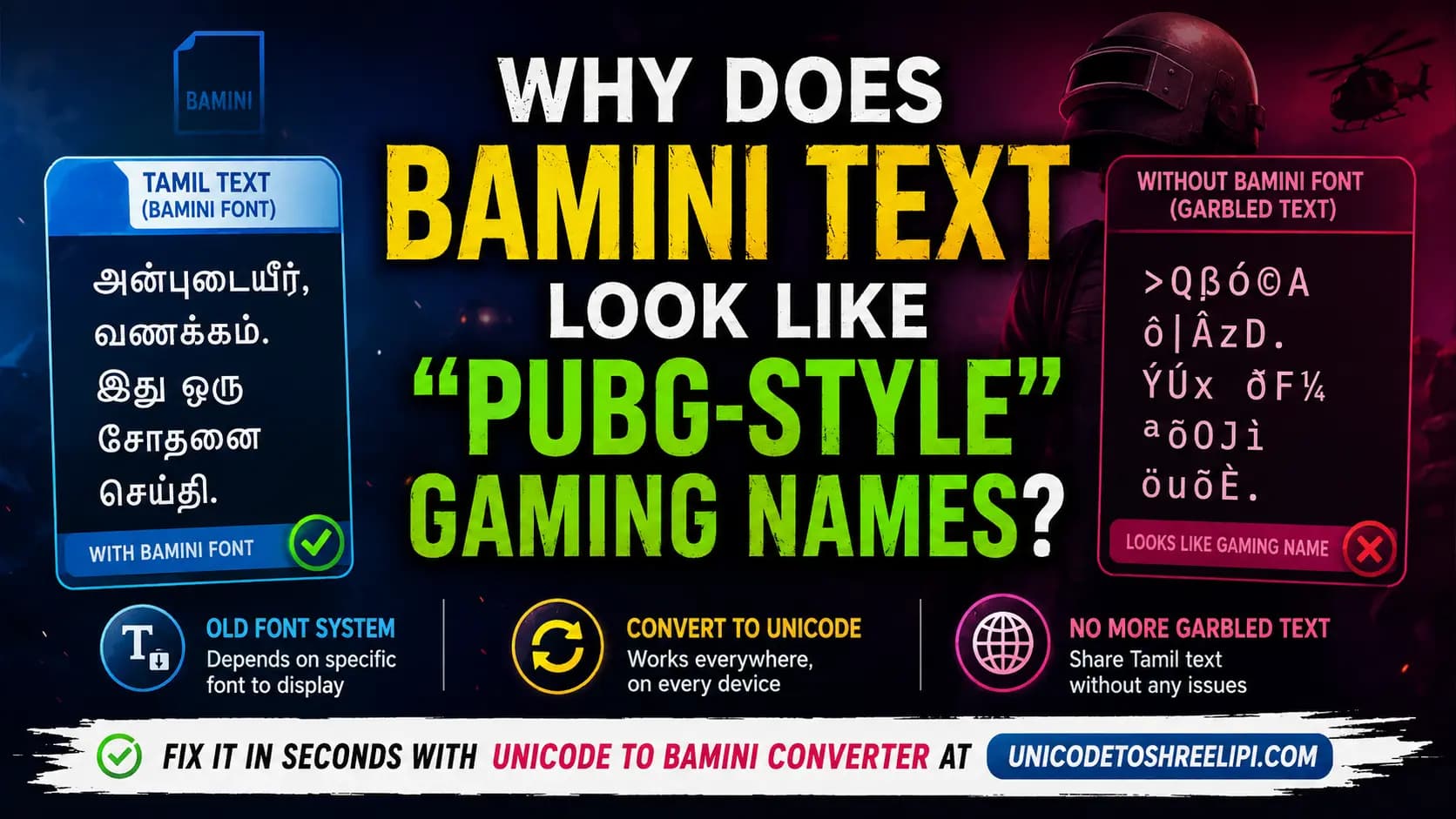
You copy a Tamil message from an old file, paste it into WhatsApp or Facebook, and instead of Tamil, you get a strange jumble of symbols and letters — the kind of text you'd expect from a stylish PUBG Mobile username, not a normal Tamil sentence. If this has happened to you, you're not imagining things, and you're definitely not alone. This exact problem shows up constantly across India and Bangladesh, for two very similar reasons.
Table of Contents
Real Reason Bamini Text Turns Garbled
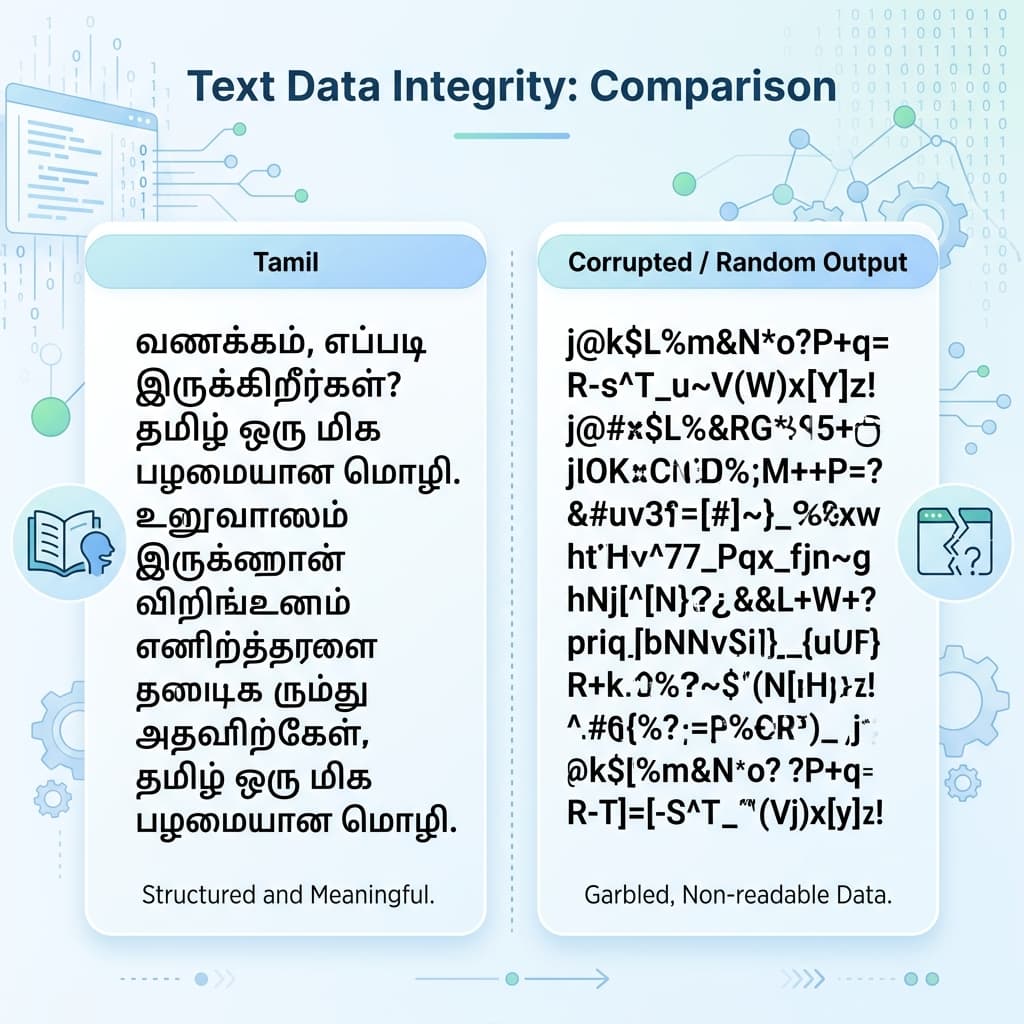
Bamini is not a Unicode font. It's an older system built long before Unicode Tamil existed, and it works in a very specific way: it stores Tamil words as ordinary ASCII characters — the same basic character set used for plain English text — and relies entirely on the Bamini font to redraw those characters as Tamil letters on screen.
When that exact font isn't installed on the device you're viewing the text on, there's nothing telling the screen to show Tamil. So it falls back to displaying the raw characters underneath — which often come out as a random-looking mix of English letters, punctuation marks, and symbols. It's not corruption, and it's not a virus. It's simply Tamil text being viewed without the one font it depends on.
Why Bamini Looks Like Stylish Gaming Names
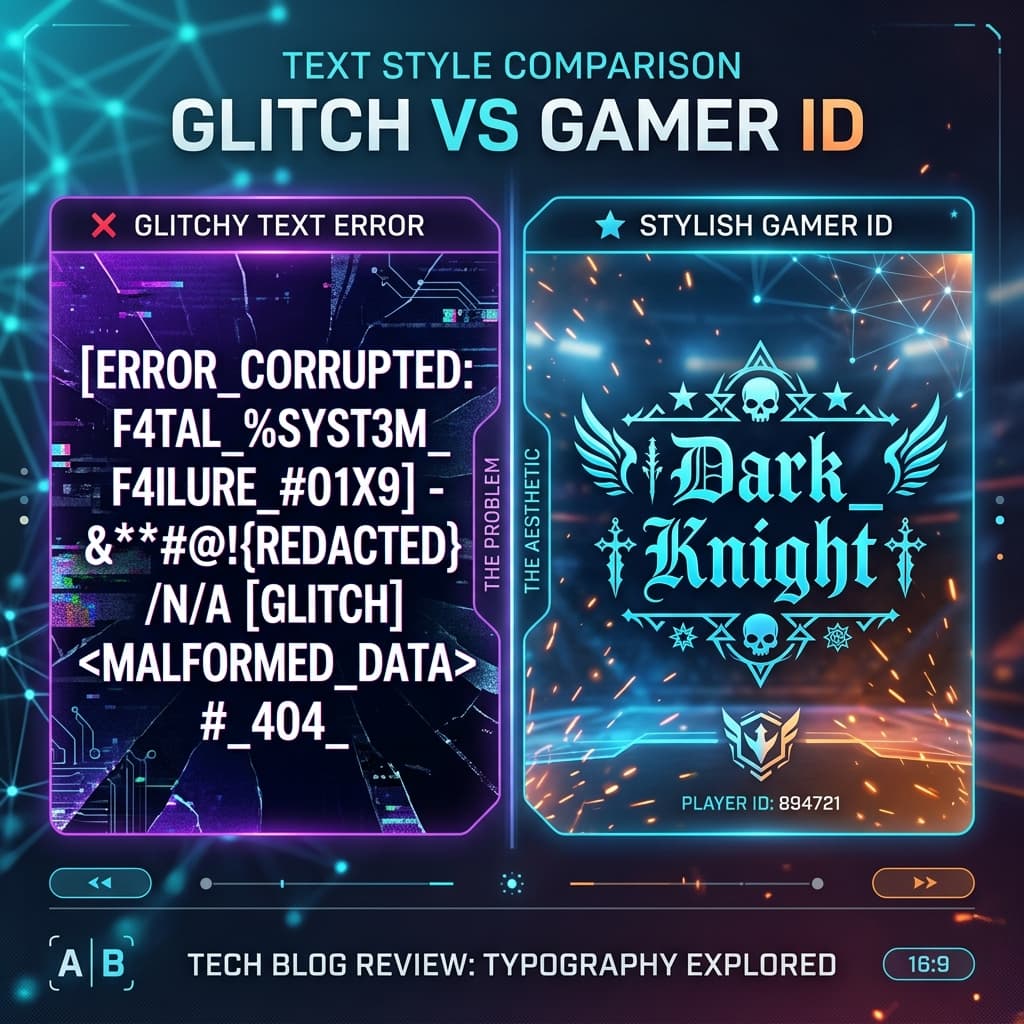
This is the part that confuses people the most — and it's genuinely a fair mix-up. Stylish name generators, including many of the ones used to create decorative PUBG Mobile usernames, work by deliberately swapping normal letters for special symbol-style Unicode characters, purely for visual effect.
Garbled Bamini text ends up looking similar purely by coincidence. Both results are a mix of unusual symbols and letters that don't spell anything normal-looking. But the cause is completely different: a stylish gaming name is built that way on purpose, using symbols chosen specifically for decoration. Garbled Bamini text is simply a font failure — real Tamil words that lost their translation layer the moment they left a device that didn't have the Bamini font installed.
Bangladesh Has the Exact Same Problem
This isn't just a Tamil or India-specific issue. In Bangladesh, the same thing happens constantly with Bijoy and SutonnyMJ — two of the most widely used legacy Bangla fonts. Just like Bamini, they map Bangla letters onto ASCII characters, and without the exact matching font installed, Bangla text falls apart into scrambled Roman letters and symbols in exactly the same way.
So whether it's a Tamil message typed in Bamini or a Bangla message typed in SutonnyMJ, the underlying reason for the "broken text" is identical — a legacy, font-dependent system meeting a device that doesn't have that specific font. Recognising this pattern helps explain a huge number of "why is my text broken" complaints across both countries.
How to Fix It
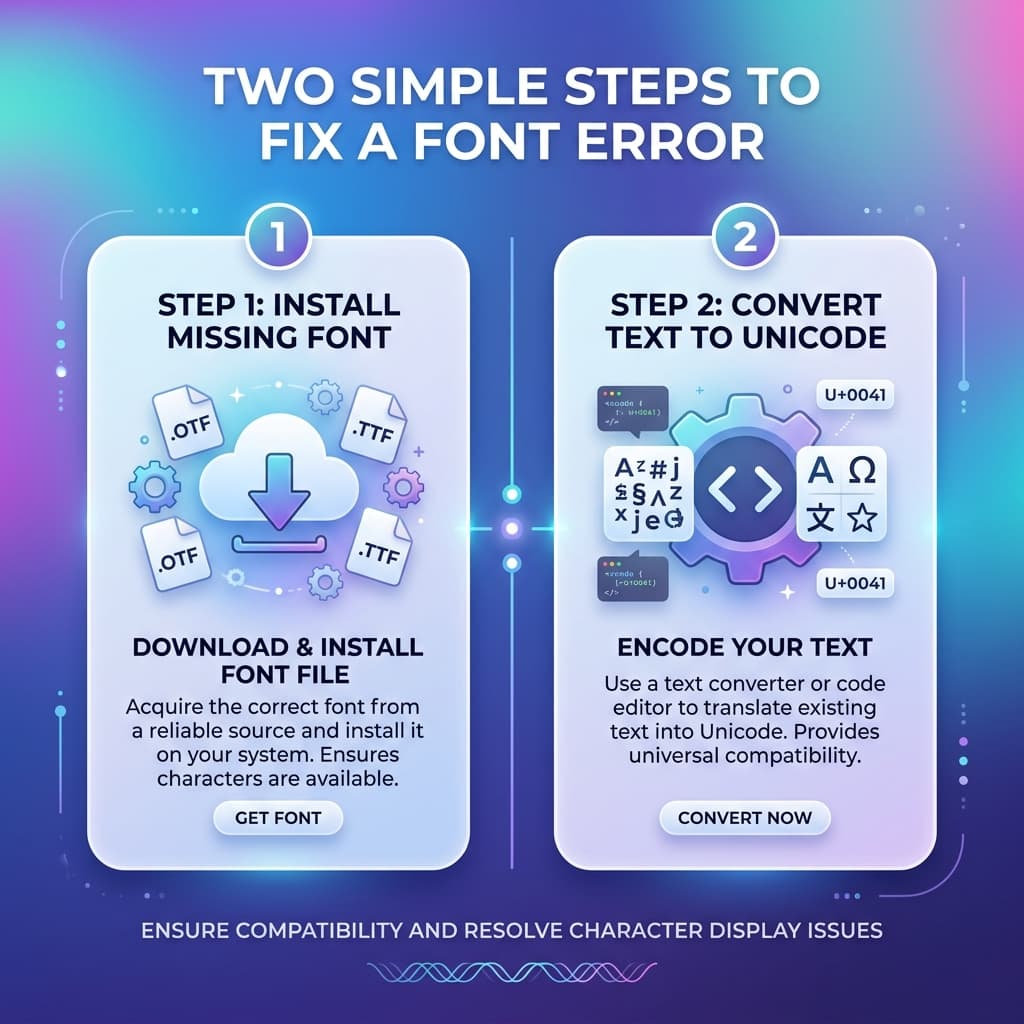
Option 1 — Install the correct font. If you know the text was typed in Bamini, download and install the Bamini font on the device you're using, then open the file again. As long as the correct font is applied, the text displays properly.
Option 2 — Convert the text to Unicode. This is the more reliable long-term fix, especially if you're planning to share the text further — over WhatsApp, on social media, or on a website. Once converted to Unicode Tamil, the text displays correctly on any device, with no font installation required at all. For quick, reliable conversion, check our Unicode to Bamini Converter Guide.
Option 3 — Check before sending. If you're the one sharing Tamil text, converting it to Unicode before sending saves the other person from ever seeing the garbled version in the first place. This one habit prevents most "why is my text broken" messages before they happen.
Conclusion
That strange, symbol-heavy text isn't a glitch, a hack, or anything mysterious — it's simply Tamil (or Bangla) content trying to display without the one legacy font it depends on. The visual resemblance to stylish PUBG-style gaming names is pure coincidence, but the fix is genuinely simple: install the matching font, or better yet, convert the text to Unicode so it works everywhere, for everyone, every time.
For quick, reliable conversion, the Unicode to Bamini Converter and Bamini to Unicode Converter at unicodetoshreelipi.com handle this instantly, so your Tamil text never has to look like a broken gaming username again.
Explore our related guides for more information on managing Tamil fonts:
- STMZH Font Guide: Typing & Unicode Conversion
- Bamini vs TAB vs TAM Fonts
- Azhagi+ vs Online Bamini Converters
- SaiIndira Font Explained — How It Differs from Bamini
Frequently Asked Questions
Ready to convert? Our main tool handles Unicode ↔ Shree Lipi with the same accuracy and speed — instantly in your browser.
Try Unicode ↔ Shree Lipi Converter