STMZH Font: Complete Guide to Typing, Uses & Unicode Conversion (2026)
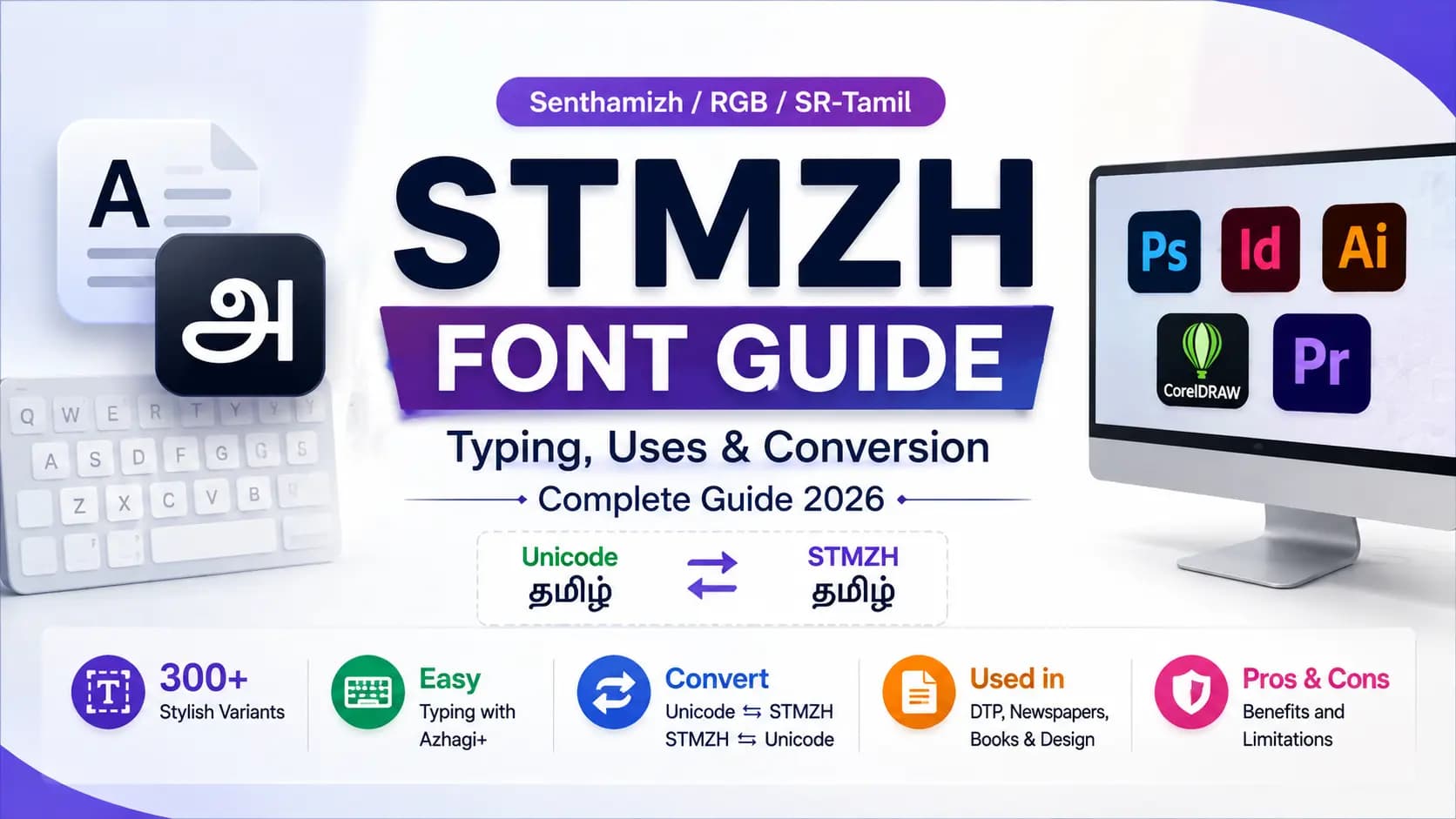
STMZH (Senthamizh, RGB, or SR-Tamil) is a legacy non-Unicode Tamil font family known by Unique typography and 300+ stylish variants, making it popular for Tamil DTP, newspapers, books, archives, and creative design work. The guide shows you how to type STMZH in Photoshop, InDesign, Illustrator, CorelDRAW, and video-editing software using tools such as Azhagi+, while also explaining Unicode to STMZH and STMZH to Unicode conversion, keyboard mapping, and font compatibility. You’ll also learn where STMZH still fits today, its advantages and limitations, and why Unicode Tamil is the better choice for websites, SEO, search engines, digital publishing, and searchable content.
Table of Contents
What Is STMZH Font?
STMZH is a legacy, non-Unicode Tamil font — meaning it works the same basic way as Bamini, TAB, and TAM. It maps Tamil letters onto ordinary English keyboard keys, so typing a specific English letter produces a specific Tamil character, but only once the correct STMZH font is applied.
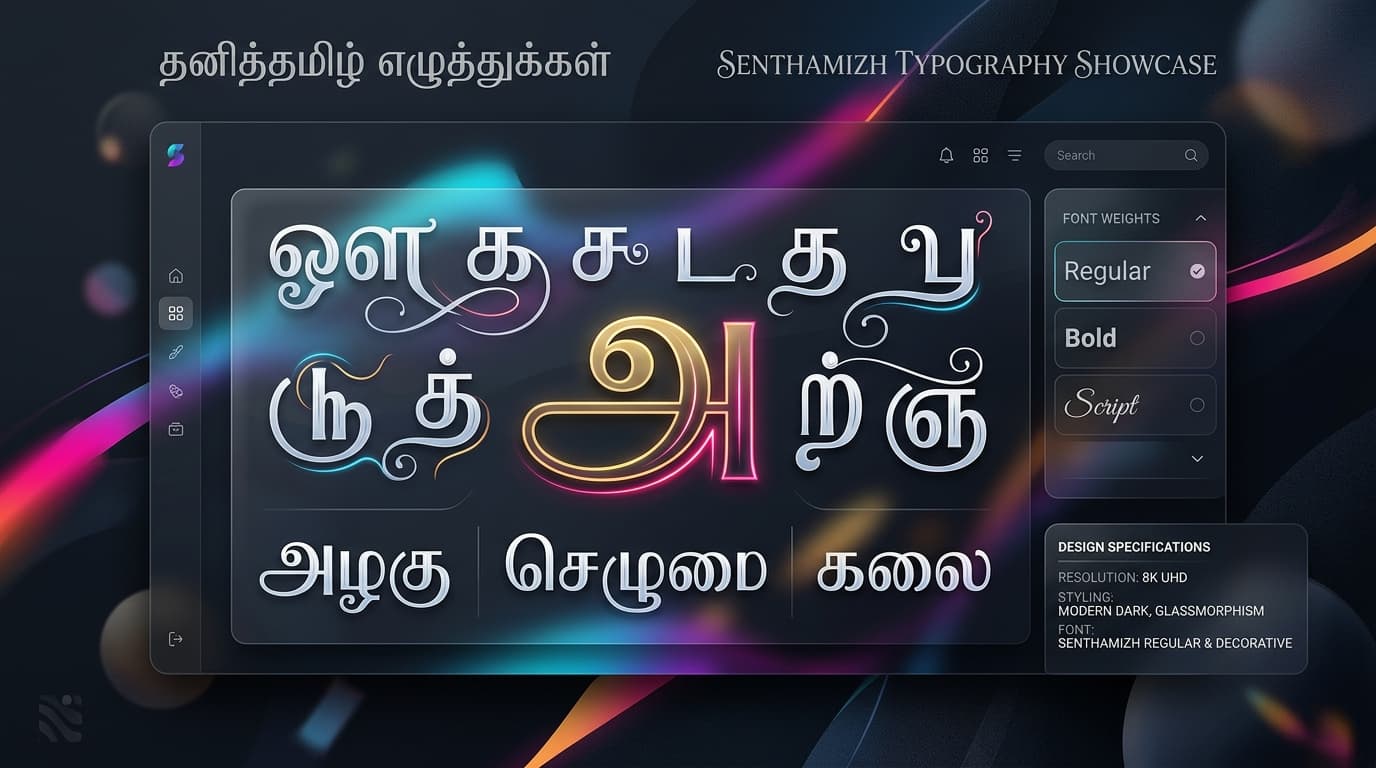
What makes STMZH stand out is its style. It's also known as Senthamizh, RGB, or SR-Tamil, and it belongs to a larger collection of over 300 stylish, design-focused Tamil font variants. Instead of one plain, standard letterform, STMZH covers all types of decorative styles, which is exactly why it became popular for headlines, titles, and creative design work rather than long paragraphs of body text.
Where Is STMZH Font Used?
STMZH has genuine staying power in a few specific areas. It has been widely used in Tamil newspapers, books, and official documents, largely because of its distinctive letterforms combined with how easy it was to type on a standard keyboard once learned.
It also remains active in creative and design work today — Photoshop titles, InDesign layouts, Illustrator artwork, and even video projects in Premiere Pro, After Effects, and Filmora, wherever a designer wants Tamil text with more visual character than a plain Unicode font offers. On top of that, government and educational archives continue relying on Senthamizh fonts specifically to stay consistent with older records that were built in this format and were never converted to Unicode.
How to Type STMZH Font
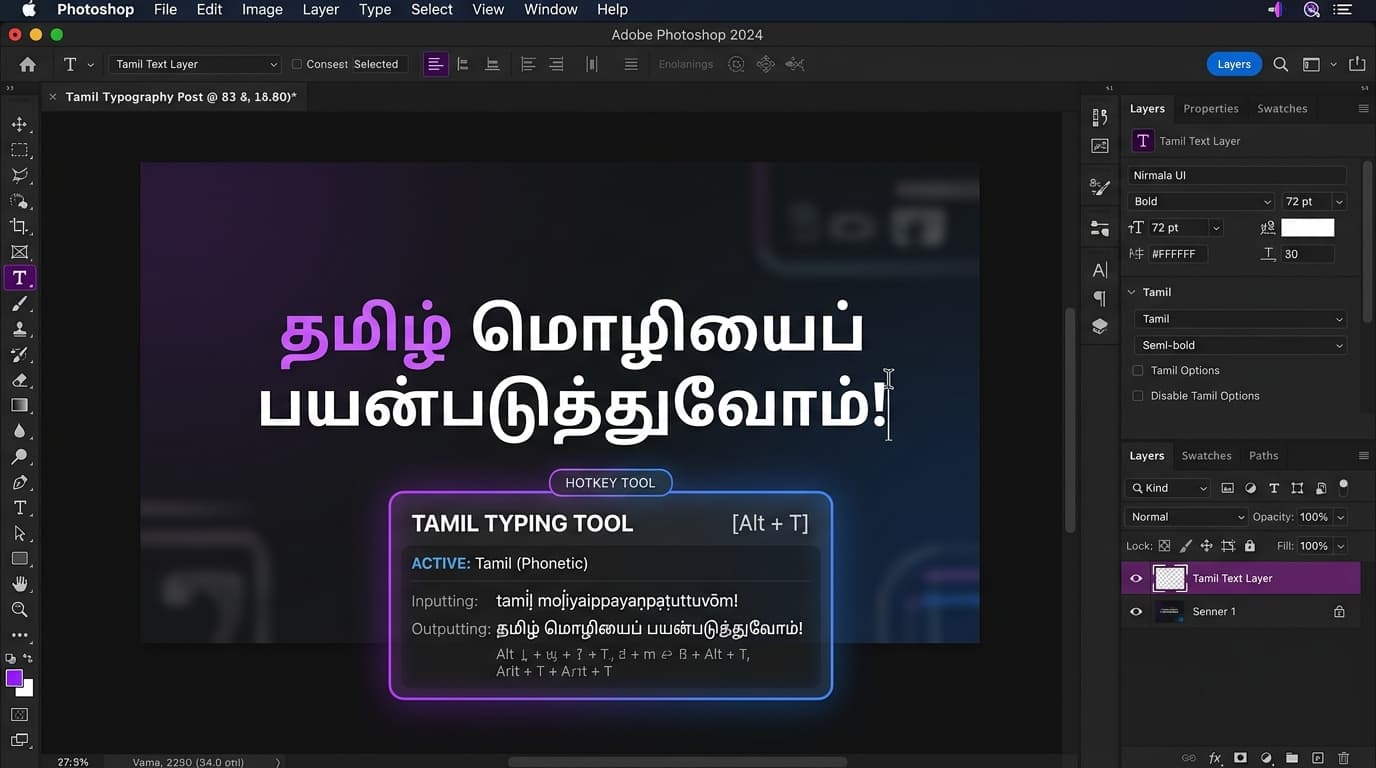
You don't need to memorise a whole new keyboard layout from scratch to use STMZH. Typing tools like Azhagi+ support STMZH directly inside popular design software, including Photoshop, InDesign, Illustrator, CorelDRAW, and video editors like Premiere Pro and Filmora.
The process is simple: open your typing tool, select STMZH as the font encoding, open your design software, select the STMZH font in your text tool, and start typing. A single hotkey switches you in and out of STMZH typing mode, so you can move between English and Tamil without breaking your workflow.
For longer content, most designers skip direct typing altogether and instead write in Unicode first, then convert the finished text to STMZH using a dedicated converter — which is faster and far less error-prone for full paragraphs than typing character by character.
How to Convert Unicode to STMZH
Write or paste your Tamil content in standard Unicode first — this is easier to read, edit, and correct. Then run it through a Unicode to STMZH Converter tool at unicodetoshreelipi.com, which remaps every character into the correct STMZH Tamil font key sequence. Paste the converted output into your design software, apply the STMZH font, and the text will display correctly as styled Tamil script.
The same process works in reverse — STMZH to Unicode conversion is commonly needed when older STMZH-based archives, newspaper files, or documents need to be digitised, searched, or reused on a modern platform.
Typing STMZH Font in Photoshop
Adobe Photoshop supports the STMZH Tamil font workflows for Tamil titles, posters, banners, and creative graphics. Use a compatible typing tool such as Azhagi+ to enter STMZH Tamil text, then apply the correct font in Photoshop. For longer content, converting Unicode Tamil to STMZH can be faster and more accurate than manual typing. Since STMZH is a legacy non-Unicode Tamil font, the matching font must be installed for characters to display correctly.
Typing STMZH Font in InDesign
Adobe InDesign is useful for working with STMZH in Tamil DTP, newspapers, books, brochures, and print layouts. You can type STMZH Font using a compatible Tamil typing tool and apply the required font to the text frame. For long paragraphs, a Unicode to STMZH converter provides a faster way to prepare text before placing it into an InDesign document. Using the correct STMZH font version helps maintain accurate Tamil character display.
Typing STMZH Font in Illustrator and CorelDRAW
Adobe Illustrator and CorelDRAW can be used with STMZH fonts for Tamil logos, banners, advertisements, invitations, and creative artwork. Designers can type STMZH directly with a compatible typing tool or convert Unicode Tamil text before importing it into the design. Applying the correct STMZH font is essential because the text depends on its legacy font mapping. This workflow helps preserve the unique Tamil typography and DTP styling associated with STMZH.
Pros of STMZH Tamil Font
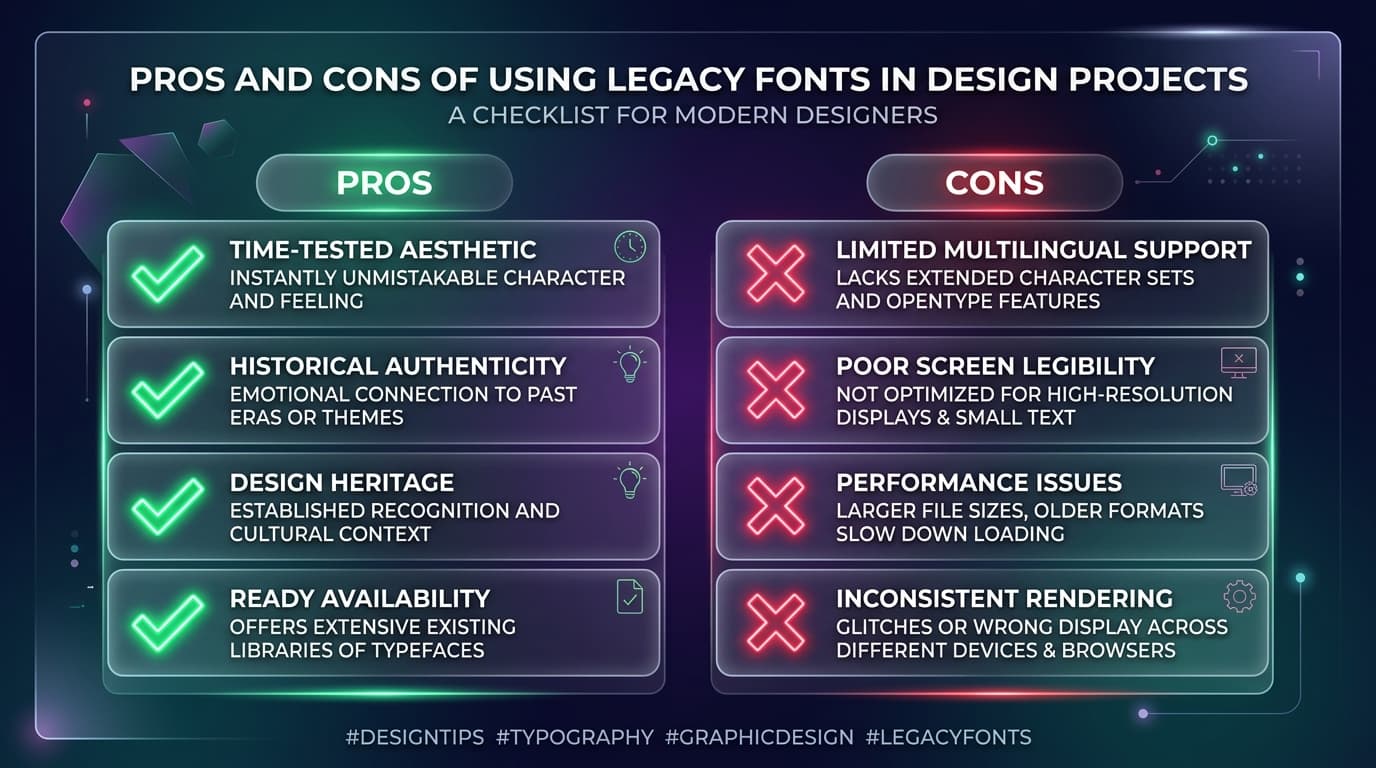
- Distinctive, stylish letterforms — STMZH offers a decorative look that plain Unicode fonts often can't match, making it a strong choice for titles and creative design.
- Wide software support — typing tools support STMZH directly inside major design and video-editing software, so it fits smoothly into existing creative workflows.
- Strong legacy compatibility — a large volume of existing newspaper, book, and archive content is already in STMZH, so working in it avoids re-creating old material from scratch.
- Large style variety — with 300+ variants under the STMZH/RGB/SR-Tamil family, designers have far more stylistic choice than most single-style legacy fonts offer.
Cons of STMZH Tamil Font
- Font-dependent readability — like all non-Unicode fonts, STMZH text is unreadable without the exact matching font installed, making it unsuitable for sharing outside a controlled design environment.
- Not usable for web or SEO content — search engines cannot read STMZH text as Tamil, so anything going online needs a separate Unicode version.
- Extra conversion step for long text — while typing tools help with direct typing, converting full paragraphs still requires a proper Unicode-to-STMZH step to stay accurate and fast.
- Variant confusion — since STMZH overlaps with RGB and SR-Tamil naming, and spans hundreds of style variants, it's easy to apply the wrong specific font version to converted text by mistake.
Key Takeaways
- STMZH, RGB, and SR-Tamil belong to the same 300+ variant Tamil font collection popular for headlines and DTP design.
- Typing tools like Azhagi+ allow direct typing in Photoshop, InDesign, Illustrator, and CorelDRAW.
- For full paragraphs, writing in Unicode first and converting to STMZH is faster and prevents character errors.
- STMZH is non-Unicode and font-dependent — text requires the font file to display correctly and cannot be read by web search engines.
Conclusion
STMZH earns its continued place in Tamil DTP and design work through pure style — a decorative, flexible font family that plain Unicode still can't fully replace for creative titling and legacy publishing. The trade-off is the same one every legacy Tamil font shares: real usefulness inside a controlled design workflow, but no readability once it leaves that environment. The safest approach is the familiar one — draft in Unicode, convert to STMZH only when you're ready for design or print, using a Unicode to STMZH Converter to keep that step fast and accurate. For more details on bilingual and legacy options, check our guide on SaiIndira Font Explained.
Read Next:
Frequently Asked Questions
Ready to convert? Our main tool handles Unicode ↔ Shree Lipi with the same accuracy and speed — instantly in your browser.
Try Unicode ↔ Shree Lipi Converter