Unicode to DV ME Shree 0701 – Marathi Font Conversion Guide
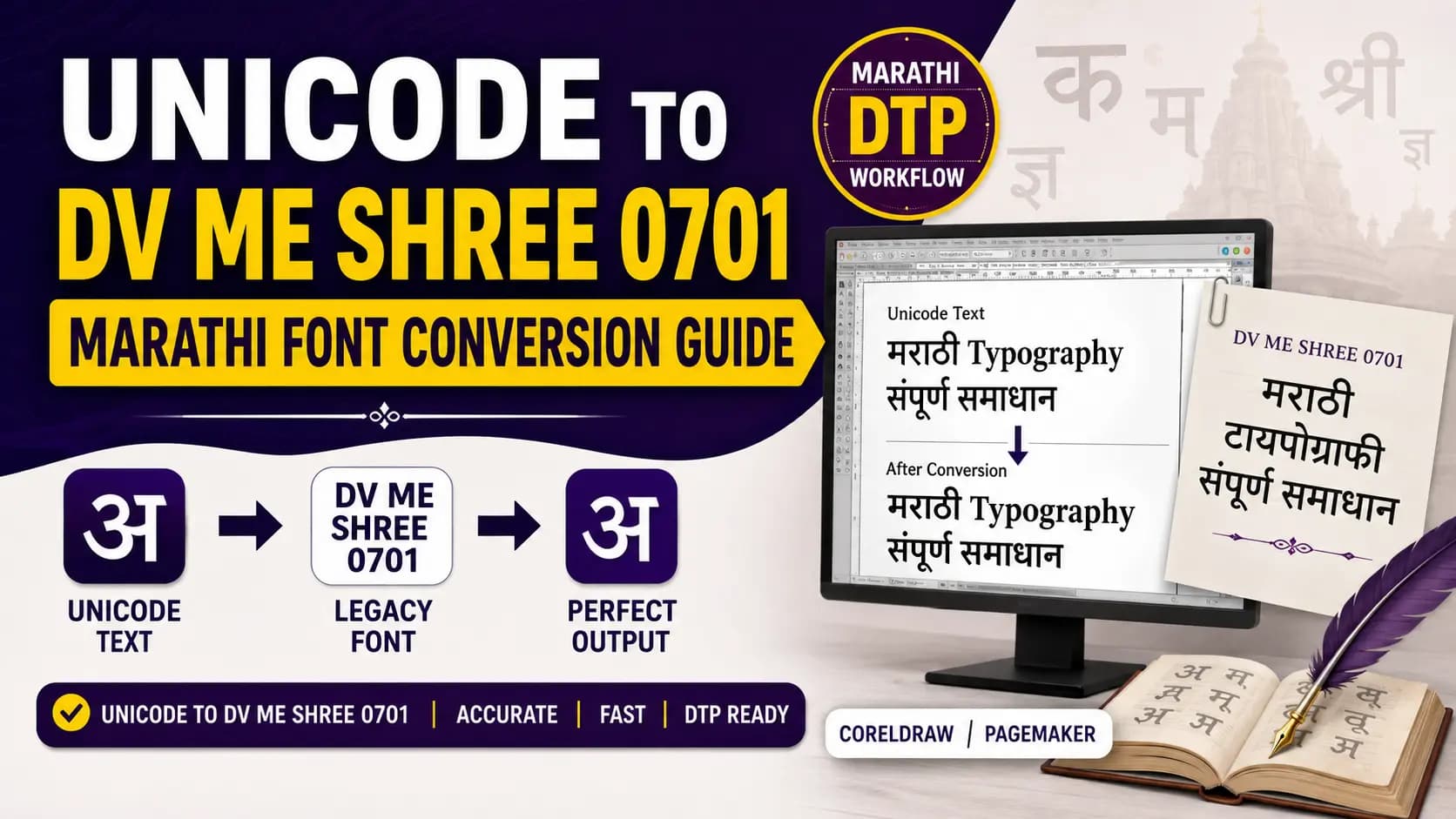
You are working on a Marathi DTP project. Your CorelDRAW or PageMaker layout uses DV ME Shree 0701. You receive the article text in Unicode — typed on a phone, copied from a Word file, or sent over WhatsApp. You paste it, apply the font, and the text turns into a stream of unreadable characters.
This is not a mistake you made. It is an encoding mismatch — and it is built into the architecture of every legacy Devanagari font system. Understanding what DV ME Shree 0701 actually is, and why the conversion step exists, makes this a five-minute fix instead of a recurring frustration.
Table of Contents
- What Is DV ME Shree 0701?
- Where Is DV ME Shree 0701 Used?
- Why Direct Unicode Pasting Does Not Work
- How to Convert Unicode to DV ME Shree 0701 — Step by Step
- DV ME Shree 0701 vs DV ME Shree 0709
- Pros and Cons of Conversion
- The Smarter Workflow — Unicode First, Legacy at Output
- Conclusion
- Frequently Asked Questions
What Is DV ME Shree 0701?
DV ME Shree 0701 is a non-Unicode legacy Devanagari font used for Marathi and Hindi DTP workflows. It belongs to the DV ME Shree font family — a collection of Devanagari typefaces that follow the Shree Lipi encoding approach developed by Modular Infotech.
Breaking down the font name tells you exactly what you are dealing with:
- DV — Devanagari. Indicates this is a Devanagari script font designed for Indian language DTP.
- ME — Medium Extended, referring to a specific weight and character set range in this font series. Some interpretations also associate ME with "Marathi Extended" given its primary use in Marathi publishing workflows — confirmed by the fact that Pramukh Font Converter lists this font specifically in their Marathi converter section, in addition to Hindi.
- Shree — Part of the Shree Lipi font family developed by Modular Infotech, Pune. The same company behind Shree Dev 0714, Shree Dev 0708, and the wider Shree Lipi DTP ecosystem that has powered Indian language printing since 1991.
- 0701 — The specific variant number within the DV ME Shree series. Its sibling variant, DV ME Shree 0709, exists alongside it in the same font family with a different internal character mapping.
Like all fonts in the DV ME Shree family — and indeed like all Shree Lipi legacy fonts — DV ME Shree 0701 is a non-Unicode ASCII-based font. It stores Devanagari characters at custom ASCII positions in the TrueType font file. The letter "क" is not at Unicode position U+0915. It sits at a completely different ASCII byte value defined by DV ME Shree 0701's internal character table.
When you paste Unicode Devanagari and apply this font, every character lands at the wrong glyph position. The result is garbled output. The converter exists to remap each Unicode code point to its correct DV ME Shree 0701 ASCII position before the text enters your DTP layout.
Where Is DV ME Shree 0701 Used?
DV ME Shree 0701 occupies a specific niche in Marathi and Hindi print DTP — primarily in workflows that were established before Unicode became the standard, and which have not yet fully transitioned to Unicode-based typography.
The Marathi publishing ecosystem is the primary home of this font. Marathi is spoken by over 83 million people, and its print publishing tradition — newspapers, books, magazines, institutional documents — has deep roots in Shree Lipi font workflows across Maharashtra. Maharashtra Times, Sakal, Loksatta, and Lokmat built significant portions of their legacy print DTP pipelines on Shree Lipi Devanagari fonts. DV ME Shree 0701 is one of the fonts that runs in that ecosystem, particularly in smaller presses, regional publications, and institutional publishers that built their DTP templates in the 1990s and 2000s and continue operating them today.
Its bilingual relevance — appearing in both Hindi and Marathi font converter lists across multiple tools — reflects the shared Devanagari script basis of both languages. A press that handles both Hindi and Marathi content may use DV ME Shree 0701 across both language workflows, which is why the conversion need spans both communities.
DV ME Shree 0701 content appears in:
- Marathi regional newspaper layouts built on legacy Shree Lipi templates in PageMaker or CorelDRAW.
- Marathi book publishing houses where existing typesetting templates use this font for specific sections.
- Institutional Marathi publications — government departments, educational organizations, cultural institutions — where document templates established years ago continue in active use.
- Print studios and DTP freelancers who handle client files received in older formats that specify DV ME Shree 0701.
Why Direct Unicode Pasting Does Not Work
The core issue is always the same, regardless of which legacy Devanagari font is involved.
Unicode stores every Devanagari character at a universally defined code point in the block U+0900–U+097F. "क" is U+0915. "म" is U+092E. "ा" (aa matra) is U+093E. These positions are permanent and recognized by every modern operating system and application. Learn more about how this encoding system works in our Unicode vs ASCII guide.
DV ME Shree 0701 ignores all of these code points. Its internal character table maps Devanagari glyphs to its own custom ASCII byte positions — positions that have nothing to do with the Unicode standard. Position 0x64 (the ASCII byte for "d") might hold "क". Position 0x66 might hold the aa matra. The actual byte values are private to the DV ME Shree 0701 font.
When you paste Unicode text into a CorelDRAW or PageMaker text frame and apply DV ME Shree 0701, here is what happens: the software reads Unicode code point U+0915 for "क", looks up byte 0xE0 in the font's glyph table (or wherever Unicode has mapped it), and finds a completely different glyph sitting at that position. The rendered character is wrong. Every character is wrong. The output is unreadable.
The Unicode to Shree Lipi Converter bridges this gap. It reads each Unicode Devanagari code point in your input, looks it up in the DV ME Shree 0701 character mapping table, and outputs the correct ASCII byte value. The output text, pasted into CorelDRAW with DV ME Shree 0701 applied, renders correctly because every byte now corresponds to the right glyph.
How to Convert Unicode to DV ME Shree 0701 — Step by Step
Step 1 — Confirm the font name in your DTP layout
Open your CorelDRAW or PageMaker file. Select a text block and check the font name in the properties panel. Verify it says exactly "DV ME Shree 0701" — not 0709 or any other variant. The 0701 and 0709 variants have different internal character maps. Converting for one and applying the other produces systematic errors throughout the document.
Step 2 — Prepare your Unicode source text
Copy your Marathi or Hindi text from its source — Google Docs, WhatsApp, MS Word, a website, email. Any text from modern digital sources is Unicode by default. Proofread at this stage. The converter translates exactly what you give it. Spelling errors carry through unchanged.
Step 3 — Run the conversion
Open the Unicode to Shree Lipi Converter. Paste your Unicode text into the input field. Confirm the target is set to DV ME Shree 0701 specifically. Run the conversion. The output will appear as a string of what looks like random English characters, symbols, and numbers. This is correct — it is DV ME Shree 0701-encoded text, and it only makes visual sense when the correct font is applied.
Step 4 — Test with a short sample first
Before converting your full document, paste two or three test lines into CorelDRAW and apply DV ME Shree 0701. Verify the Devanagari output visually — check matras, check conjuncts, check the eyelash ra (ऱ) and chandrabindu (ँ) if they appear in your text. These characters are the most common sources of conversion inconsistency across legacy font systems. Verify a short sample before committing to a full document.
Step 5 — Copy the verified output and paste into your layout
Once the sample verifies correctly, convert the full text, copy the complete output, and paste it into your CorelDRAW or PageMaker layout. Apply DV ME Shree 0701 to the pasted text. Your Marathi or Hindi content renders as correctly formed Devanagari.
Step 6 — Export as PDF with fonts embedded for printing
For print output, always export from CorelDRAW or PageMaker as a PDF with fonts embedded. File > Export > PDF > enable Embed Fonts. This ensures the DV ME Shree 0701 font travels with the document to the press. The printer does not need the font installed separately — the embedded font data covers the rendering.
DV ME Shree 0701 vs DV ME Shree 0709 — What Is the Difference?
Both fonts belong to the same DV ME Shree family and share the same Devanagari script coverage. The numerical difference — 0701 vs 0709 — indicates a distinct variant within the family. They have different internal ASCII character mappings, different glyph designs, and are not interchangeable in conversion or in layout.
In practical terms: 0701 and 0709 serve different DTP templates. If your CorelDRAW layout specifies 0701, the conversion must target 0701. If it specifies 0709, use a 0709-specific conversion. Mixing them produces systematic character mismatches throughout the output — every affected character is wrong in the same way, making it immediately visible in a test paste.
If you are working with a legacy file where the font name is not clearly visible — for example, a file that opens with boxes because the font is not installed — test conversion with 0701 first. If conjuncts and specific matras look wrong after applying the font, try 0709 as the alternative.
| Feature | DV ME Shree 0701 | DV ME Shree 0709 |
|---|---|---|
| Font Family | DV ME Shree series | DV ME Shree series |
| Character Mapping | Unique ASCII map (0701) | Different ASCII map (0709) |
| Interchangeable? | No — mixing variants causes systematic output errors | |
| Test Approach | Try 0701 first | Try if 0701 gives wrong output |
Pros and Cons of Unicode to DV ME Shree 0701 Conversion
✅ Pros
- Bridges the input gap cleanly. If your press or publisher uses DV ME Shree 0701 templates and will not change them soon, this conversion is the fastest path from modern Unicode content to print-ready output. No template rebuilding, no operator retraining.
- Works for any volume of text. A properly built converter handles a five-word headline and a five-thousand-word feature article in the same single step. No manual character replacement needed for standard Devanagari content.
- No installation required. An online converter runs in your browser on any device. The only local requirement is having DV ME Shree 0701 installed in Windows for rendering the output in CorelDRAW or PageMaker.
❌ Cons
- Output is still legacy encoding. Converted text is DV ME Shree 0701 ASCII — not Unicode. It is not readable on mobile, not searchable on Google, and not usable in any modern application without the font installed.
- Variant precision is non-negotiable. 0701 and 0709 are different fonts with different maps. Selecting the wrong one gives you systematically wrong output throughout the document.
- Special Marathi characters need manual checking. The eyelash ra (ऱ), chandrabindu (ँ), and half-anunaasik that appear specifically in Marathi text are the most frequent sources of conversion error. Always spot-check these after conversion.
The Smarter Workflow — Unicode First, Legacy at Output
If you find yourself converting to DV ME Shree 0701 regularly, consider this structural change.
Write and store all Marathi content in Unicode from the start. Type using Google Input Marathi, any Unicode Marathi keyboard on Android or iOS, or any phonetic input tool. Unicode text is portable, searchable, readable anywhere, and future-proof.
Convert to DV ME Shree 0701 only at the print output stage — when the specific DTP template requires it. Keep the Unicode master and run a fresh conversion for each print job from that master. This gives you both: digital usability in Unicode and legacy print output in DV ME Shree 0701 when you need it.
For Marathi and Hindi Shree Dev font workflows alongside your DV ME Shree work, our Unicode to Shree Lipi Converter at unicodetoshreelipi.com handles the Shree Dev 0714, 0708, and 0706 conversion direction — same Unicode-first principle, same free access with no character limit.
Also see our related guide on Kruti Dev to Shree Lipi conversion for context on how legacy Devanagari font families interact in multi-font DTP workflows.
Key Takeaways
- DV ME Shree 0701 is a non-Unicode legacy Devanagari font from the Shree Lipi family — used primarily in Marathi DTP workflows.
- Direct Unicode paste into this font produces garbled output due to ASCII vs Unicode encoding mismatch.
- 0701 and 0709 are different variants — the conversion must exactly match the font in your DTP template.
- Always test with a short sample first, especially for eyelash ra (ऱ), chandrabindu (ँ), and complex conjuncts.
- The smarter long-term strategy: write in Unicode, convert to DV ME Shree 0701 only at the print output stage.
Conclusion
DV ME Shree 0701 is not a widely talked-about font — but for the Marathi print DTP operators, publishers, and freelancers whose workflows depend on it, it is a daily reality. Legacy templates, trained operators, and decades of archived content all make the transition to Unicode a slow process. In the meantime, conversion is the practical bridge.
The workflow is clear: write in Unicode, convert at the print stage, apply the correct font, export as PDF with embedding. Keep the Unicode master for everything digital.
For your Shree Dev and Shree Lipi conversion needs alongside this workflow, our Unicode to Shree Lipi Converter at unicodetoshreelipi.com is free, has no character limit, and handles Marathi and Hindi Devanagari with full matra, half-form, and conjunct support.
Read our related guides:
- History of the Shree Lipi Font System
- Unicode vs ASCII — How Devanagari Fonts Actually Work
- CorelDRAW Hindi Typing Guide
Read Next:
Frequently Asked Questions
Ready to convert? Our main tool handles Unicode ↔ Shree Lipi with the same accuracy and speed — instantly in your browser.
Try Unicode ↔ Shree Lipi Converter