What Is UMANG App? Government Services in India (2026)
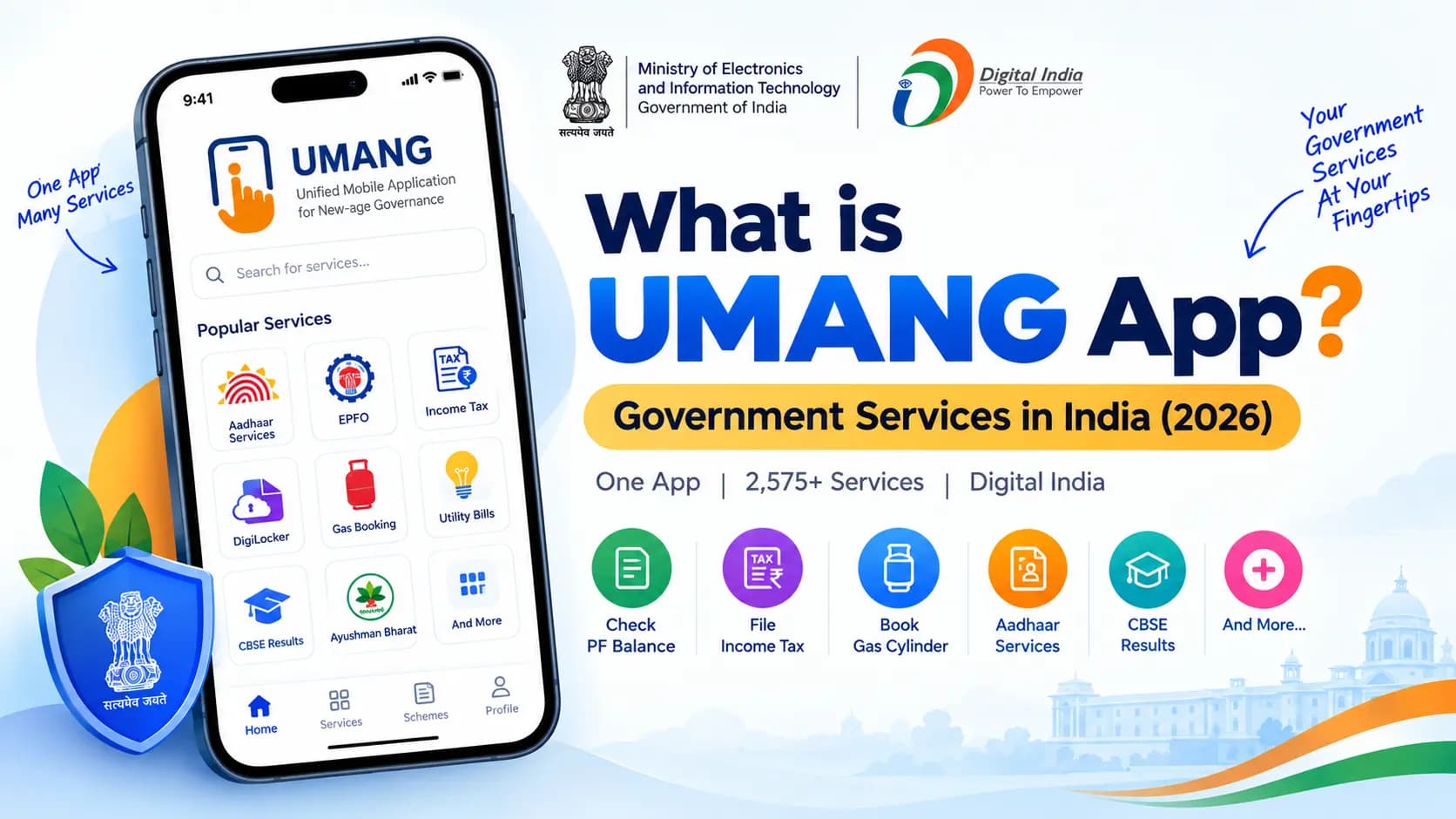
Checking your PF balance on one app, filing income tax on a website, booking a gas cylinder through a phone call, and downloading a CBSE result from yet another portal — that used to be the reality of dealing with government services in India. UMANG was built specifically to end that scattered experience, by putting over 2,575 government services into a single app.
As of July 31, 2026, the Government of India reported approximately 2,575 services on UMANG, including 880 Central Government and 1,695 State Government services. The platform had more than 11.66 crore registered users and about 798 crore transactions over the previous three years.
Table of Contents
What Is UMANG?
UMANG stands for Unified Mobile Application for New-age Governance. It's a Government of India app, officially launched on 23 November 2017 by Prime Minister Narendra Modi at the Global Conference on Cyberspace in New Delhi. It was built by the Ministry of Electronics and Information Technology (MeitY) through the National e-Governance Division (NeGD), as a core part of the Digital India initiative.
The idea behind UMANG was simple: instead of citizens needing a separate app or website for every government department, one unified platform would bring central, state, and local government services together in a single place.
How Big UMANG Has Actually Grown
At launch in 2017, UMANG carried 162 services from 33 departments across just 4 states. According to MeitY's 2024–25 Annual Report, that has grown to 2,575 services — including 864 Direct Benefit Transfer (DBT) services — from 207 departments spanning 32 states and union territories.
The same report shows 7.34 crore registered users and over 400 crore total transactions processed through the platform as of July 2024. These are not small numbers — they reflect one of the largest single-window government service platforms in the world.
UMANG at a Glance (2026)
2,575+
Government services
207
Departments covered
7.34 Cr+
Registered users
13
Indian languages
What Services Can You Access on UMANG
UMANG covers an unusually wide range of everyday government interactions. Here is what you can do directly from the app:
- EPFO / PF: Check your provident fund balance and passbook, and access UAN-related workflows.
- NPS: Access National Pension System details and account information.
- Income Tax: File and track income tax returns directly from the app.
- CBSE: Check exam results for Class 10 and Class 12.
- Gas Booking: Book or manage a Bharat Gas connection.
- Utility Bills: Pay electricity and water bills for supported boards and departments.
- Aadhaar Services: Access Aadhaar-linked services without switching apps.
- DigiLocker: Reach DigiLocker directly from within the UMANG app.
- Ayushman Bharat: Access healthcare-related services under the Pradhan Mantri Jan Arogya Yojana.
- State Services: A growing list of state-specific services — Odisha's transport services being one real example of a state department integrating directly into the platform.
How to Register and Use UMANG
Getting started on UMANG takes only a few minutes. Follow these steps:
- Download the official UMANG app from the Google Play Store or Apple App Store, or open the UMANG web portal.
- Select Login / Register.
- Choose the signup or registration option.
- Enter your mobile number.
- Verify the number using the OTP received on your phone.
- Create an MPIN when prompted.
- Log in using the available authentication method.
Once registered, you can search for any service by name or browse by department or category. UMANG is available in 13 Indian languages, and — importantly for citizens without a smartphone — it's also accessible through SMS and IVR (call-based) channels, not just the app.
No smartphone? No problem. UMANG can also be used via SMS and IVR phone calls — not just the app or web portal. This makes it accessible to a much wider range of citizens across India, including those in areas with limited smartphone penetration.
UMANG vs DigiLocker — What's the Difference
Both are built by MeitY and NeGD, which is exactly why people mix them up. But they solve fundamentally different problems:
| Feature | UMANG | DigiLocker |
|---|---|---|
| Primary purpose | Access & use government services | Store & share government documents |
| Built by | MeitY / NeGD | MeitY / NeGD |
| What you do | Check PF, file taxes, book gas, pay bills | Store Aadhaar, PAN, mark sheets, licences |
| Integration | Pulls documents from DigiLocker when needed | Standalone document wallet |
The simplest way to remember it: DigiLocker stores things. UMANG does things. Many UMANG services, in fact, pull directly from DigiLocker when a document is needed to complete a request.
For a deeper look at DigiLocker itself, see our What is DigiLocker? guide.
Is UMANG App Safe and Official?
Yes, UMANG is an official Government of India digital-service platform developed under MeitY and NeGD. The official UMANG website states that it is a Digital India project owned, designed, and developed by NeGD, with linked content maintained by the relevant government ministries and departments.
Safety Tips for UMANG
- Download the app only through the official Play Store or App Store listing — avoid third-party APK websites.
- Never share your OTP, MPIN, or Aadhaar authentication codes with anyone claiming to provide UMANG support.
- The official UMANG customer support number is 10505 (10 AM – 6 PM).
- UMANG will never ask for your bank PIN, CVV, or full card number through the app or over a call.
UMANG App Not Working? Try These Steps
If UMANG is not opening or a particular service is unavailable, work through this checklist:
- Check your internet connection.
- Update the UMANG app to the latest version from the Play Store or App Store.
- Restart the application.
- Try the UMANG web portal as an alternative to the app.
- Search for the service again using its department or service name — occasionally services are reorganised within the app.
- Check whether the specific government service is temporarily under maintenance.
This matters because UMANG is an aggregator: a problem with one department's service does not necessarily mean the entire UMANG platform is unavailable. The official UMANG customer support number is 10505, with support hours of 10 AM to 6 PM.
Key Takeaways
- UMANG is an official Government of India app, built by MeitY & NeGD under Digital India.
- It gives access to 2,575+ services from 207 departments across 32 states and UTs in one place.
- You can access EPFO, NPS, income tax, CBSE results, gas booking, Aadhaar, DigiLocker, and Ayushman Bharat — all from a single app.
- UMANG works via app, web portal, SMS, and IVR — even without a smartphone.
- It is different from DigiLocker: UMANG does things; DigiLocker stores things.
- Customer support: 10505 (10 AM – 6 PM).
Conclusion
UMANG has quietly grown from a 162-service launch app into one of the largest citizen-service platforms in the world, with over 7 crore registered users relying on it for everything from PF checks to gas bookings. If you're still juggling separate apps and websites for different government services, this is exactly the kind of platform built to replace all of them with one.
Related Guides:
Frequently Asked Questions
Ready to convert? Our main tool handles Unicode ↔ Shree Lipi with the same accuracy and speed — instantly in your browser.
Try Unicode ↔ Shree Lipi Converter